Guide · measured 24 October 2026
Rotation quality, explained
Turning a picture can cost nothing, or a little, or quite a lot, depending on the angle, on how many times it is done, and on the file format it is written to. These are three separate costs, and a tool that is careful about one can still be careless about the others.
Quarter turns move pixels; other angles make new ones
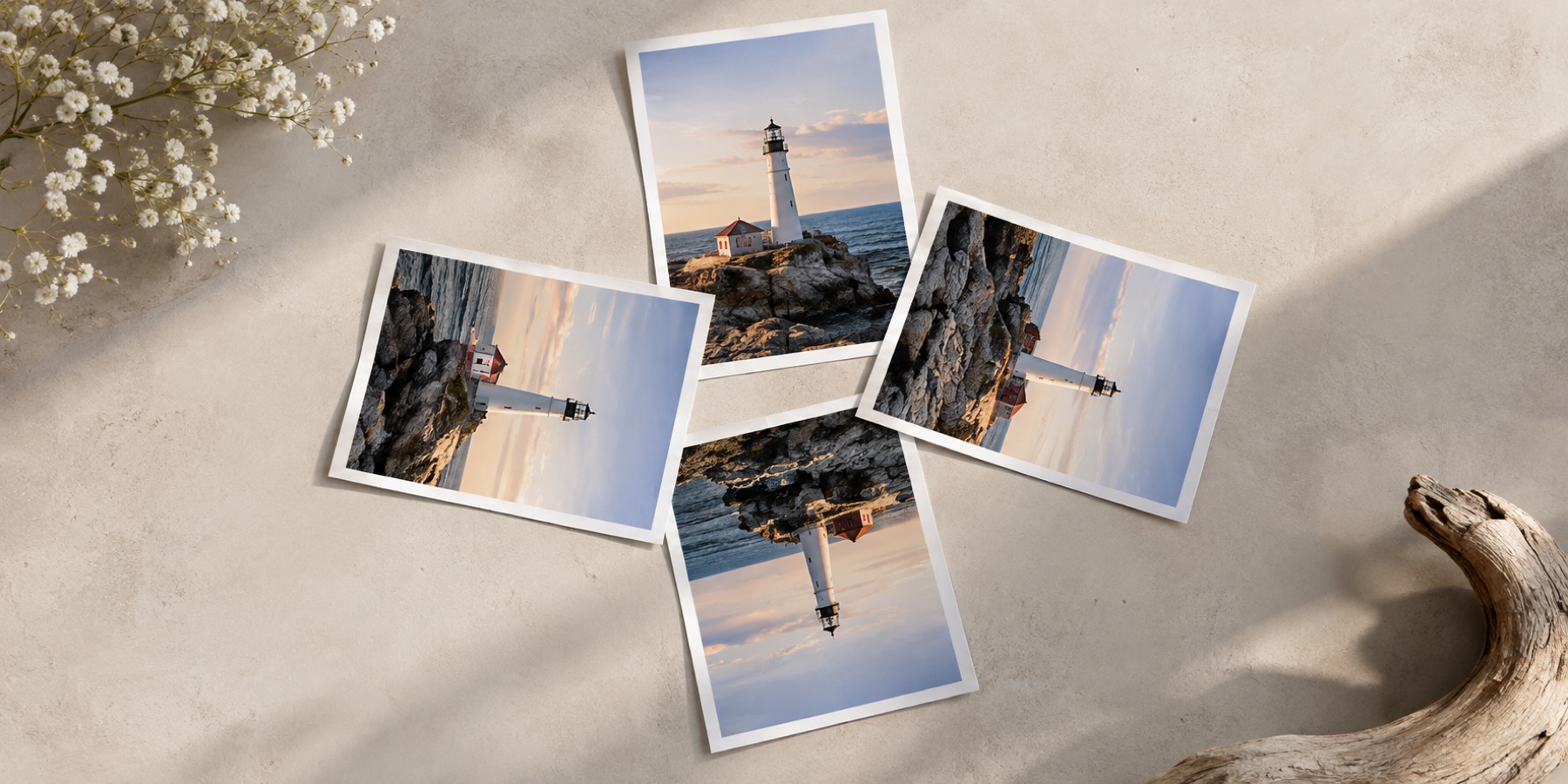
At 90°, 180° and 270° every source pixel lands exactly on one output pixel. Nothing is blended, and four quarter turns give back the original, pixel for pixel. At any other angle the turned grid falls between the old one, and every output pixel has to be resampled — computed from the source pixels around it. That is the first cost, and it is paid every time a picture is turned.
Generations: why the number of turns matters
Each resample loses a little detail. Turning a picture 7° and back again should, in principle, return it unchanged; in practice it returns a slightly softer copy, and doing it repeatedly compounds the loss. Measured on this site’s own photograph in a current browser, comparing the centre of each result with the original:
| Turned | Sampling | PSNR | Largest difference | Pixels changed |
|---|---|---|---|---|
| Four quarter turns | — | identical | 0 | 0% |
| +7° then −7° (two resamples) | Smooth | 38.3 dB | 37 | 63.1% |
| +7° then −7°, five times (ten resamples) | Smooth | 29.8 dB | 74 | 70.6% |
| +7° then −7° (two resamples) | Hard edges | 39.1 dB | 80 | 4.6% |
| +7° then −7°, five times (ten resamples) | Hard edges | 34.8 dB | 146 | 4.8% |
Differences are in 8-bit levels (0–255); higher PSNR is closer to the original. Ten resamples take the smooth result from 38 dB to 30 dB — a visible softening. This is why the tools here never turn a turned picture: the angle is one number, and the save renders it once from the original pixels, however many values you tried on the way.
Smooth or hard edges
The two rows of the table show the trade-off. Smooth sampling blends neighbours: most pixels change a little, edges stay clean, and a photograph looks natural. Hard edges (nearest neighbour) copies the closest source pixel: only about 5% of pixels change at all, but those that do can change completely, and a diagonal edge becomes a staircase. Use smooth for photographs and hard edges for pixel art, icons and screenshots of text, where blending turns a crisp letter grey.
What lossless can honestly mean
- A quarter turn written to a lossless format (PNG, lossless WebP): pixels moved, nothing blended, nothing approximated. The PNG page decodes its own output to check.
- A quarter turn or mirror of a JPEG done on its compressed blocks: no decoding at all, so not even the JPEG encoder's rounding is repeated. The lossless JPEG page compares every coefficient after writing.
- Rewriting only the orientation tag: the picture data is not touched, but programs that ignore the tag see no change.
- Not lossless: any free angle, or any JPEG decoded and encoded again — however high the quality setting.
The JPEG case is measured in detail in rotate a JPEG without losing quality: four re-encoded quarter turns changed half the pixels; four block transforms changed none.
Method
The photograph (1000 × 457) was drawn to a canvas and turned with the browser’s own 2D canvas — high-quality smoothing on, or smoothing off — about its centre, then turned back, in headless Chromium 153 on 24 October 2026. Only the central 40% of each axis was compared, so the corners a turn moves out of frame do not count.