Make a scan upright for an online formReady for the upload form
Make a photo or signature upright and the right size for an online form.
or drop it here — pasting works too
Drop one picture to work on it, or a folder of them to turn the lot by their own tags.
No photo handy?
FreeNo sign-upPhotos stay on your device
See the file the way a portal that ignores the orientation tag will, turn it, and check the result against the portal's KB and pixel window.
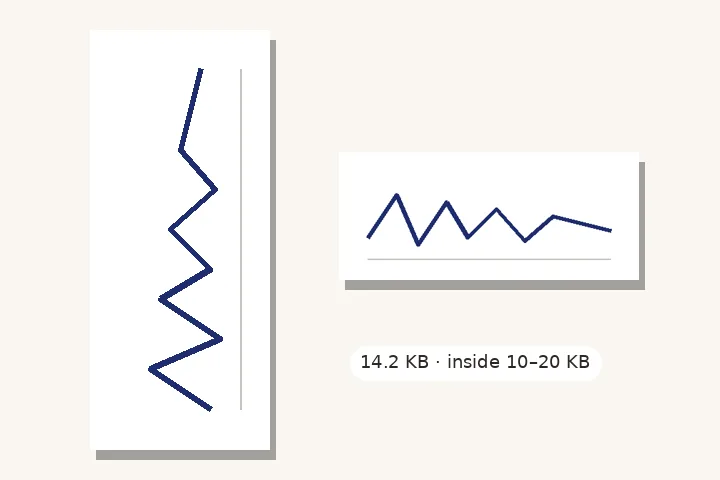
Pick where it is going first. The saved file is baked — pixels turned, no tag left — and measured against that window.
Upright is not finished until it fits
Turning a picture means writing it again, and writing it again changes its size in kilobytes. A signature that was 18 KB before can be 23 KB after, and a portal with a 20 KB limit refuses it. So this page treats the job as two steps: make the pixels upright, then check the saved file against the window the portal asks for — and, unless you untick it, adjust it to fit.
Why the saved file has no tag
There are two ways to fix a sideways photo: turn its pixels, or rewrite the tag that says how to turn them. For a portal only the first is safe, because the portal may not read the tag at all. The file saved here is baked: its pixels are upright and it carries no orientation tag, no camera details and no GPS position. Every decoder shows it the same way.
The profiles
- Photograph, signature, thumb impression and handwritten declaration from a bank recruitment notice, read in the official PDF.
- The Indian visa application photo, read in the official specification.
- Two exam profiles from third-party articles, marked unverified — confirm on the official portal.
- Your own window: minimum and maximum KB, and an exact pixel size if the notice gives one.
None of these documents says anything about orientation; the safe file is simply one whose pixels are the right way up. For crooked scans, straighten a scan measures the skew from the text. The whole workflow is written up in upright scans for form uploads.
Questions about this page
Why does the portal show my signature sideways?
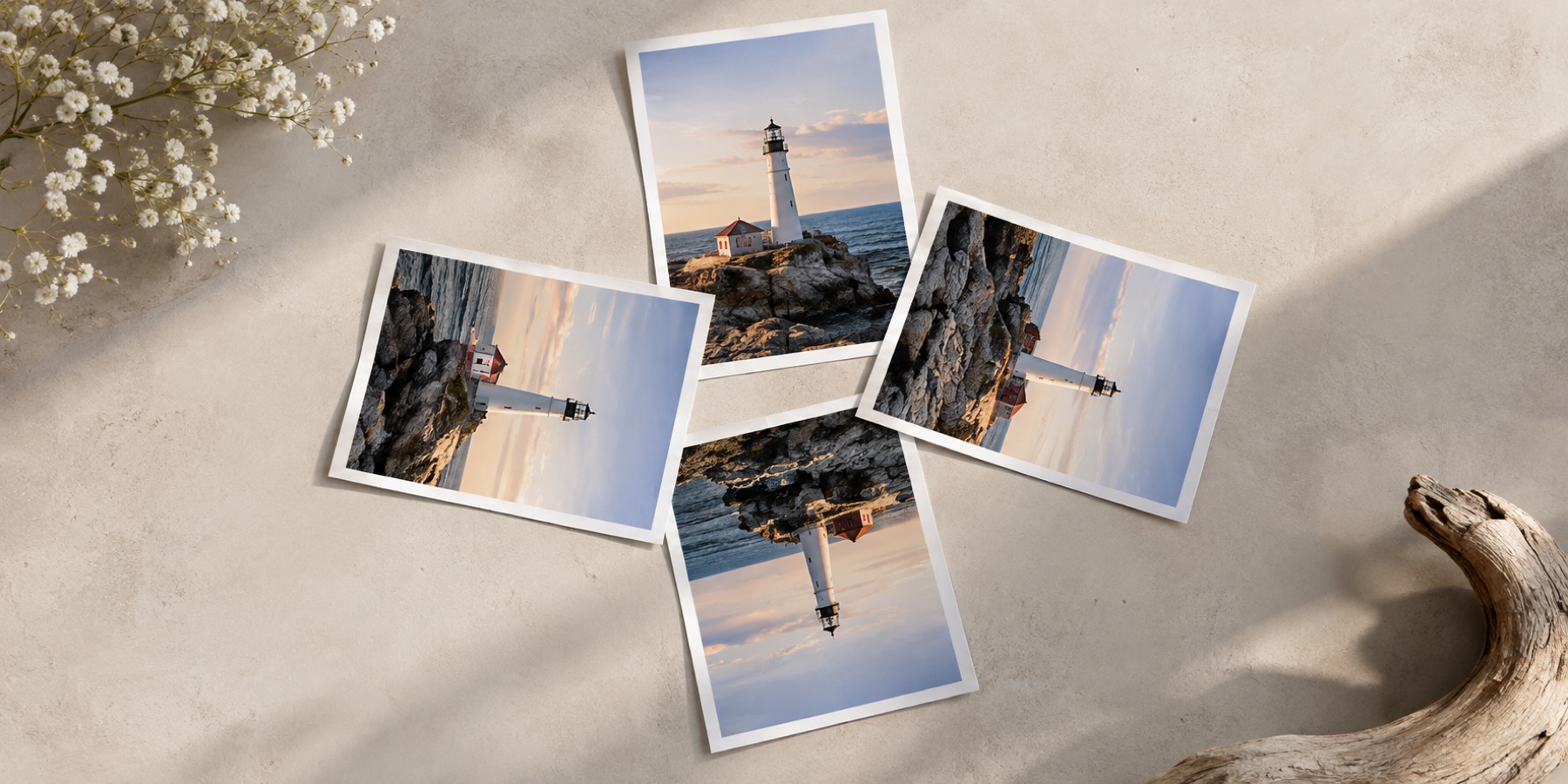
Your phone stored the picture the way its sensor saw it and added a tag saying how to turn it. The phone reads the tag and shows it upright; many portals resize uploads with software that ignores the tag, and show the stored pixels — on their side. The two previews on this page show both views of your file.
Will fitting the KB limit blur my signature?
It changes as little as it can. JPEG quality is searched from 95 down to 60 for the largest file under the maximum, and the pixel size follows the profile. Only if quality 60 is still too big does the picture shrink, in the same shape. Every change is listed after the save.
What if my file is under the minimum KB?
If the profile's pixel range allows a larger picture, it is enlarged in the same shape until it reaches the minimum. Otherwise the page says the file is under the minimum. It never pads a file with blank space or invented detail to reach a number; re-scanning at 200 DPI or more usually fixes it honestly.
Are these the official sizes?
Each profile shows its source and the date it was read. Entries from an official notice are marked as such; entries from third-party articles are marked unverified — confirm them on the official portal. Portals change their limits with each notification, and the notice you are applying under always wins. You can also type your own limits.
Upright For Upload