Straighten a scanned documentStraighten a crooked scan
Drop a scanned page and it lines up with the text, with every edge kept.
or drop it here — pasting works too
Drop one picture to work on it, or a folder of them to turn the lot by their own tags.
No photo handy?
FreeNo sign-upPhotos stay on your device
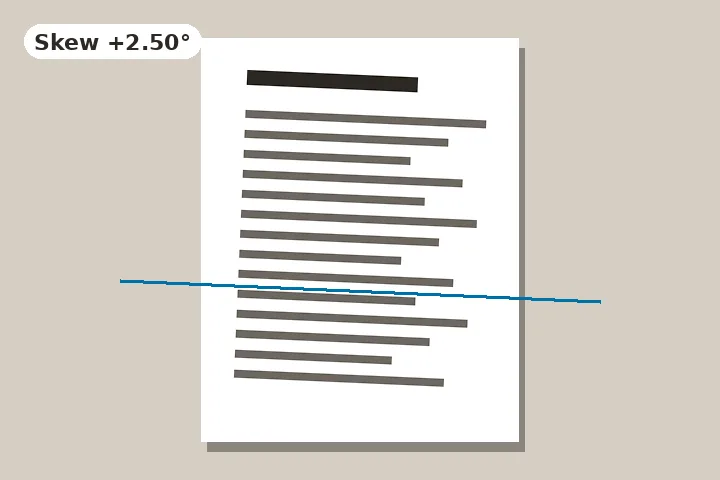
The skew measured from the rows of text, the text direction read first, and every edge of the page kept.
Opening a page measures it: which way up the text is, then how far the rows lean. Nothing is applied until you press.
A scan is not a landscape
Straightening a photograph is about the horizon, and a few lost pixels at the corners do not matter. Straightening a scan is about the text, and the corners matter a great deal. So this page measures from the rows of writing rather than from the strongest edge, and it opens with the frame expanded and the corners white: the whole page survives, and the readout says “All four page edges kept” — or, if you choose to crop, how many pixels each edge loses.
Turn first, then deskew
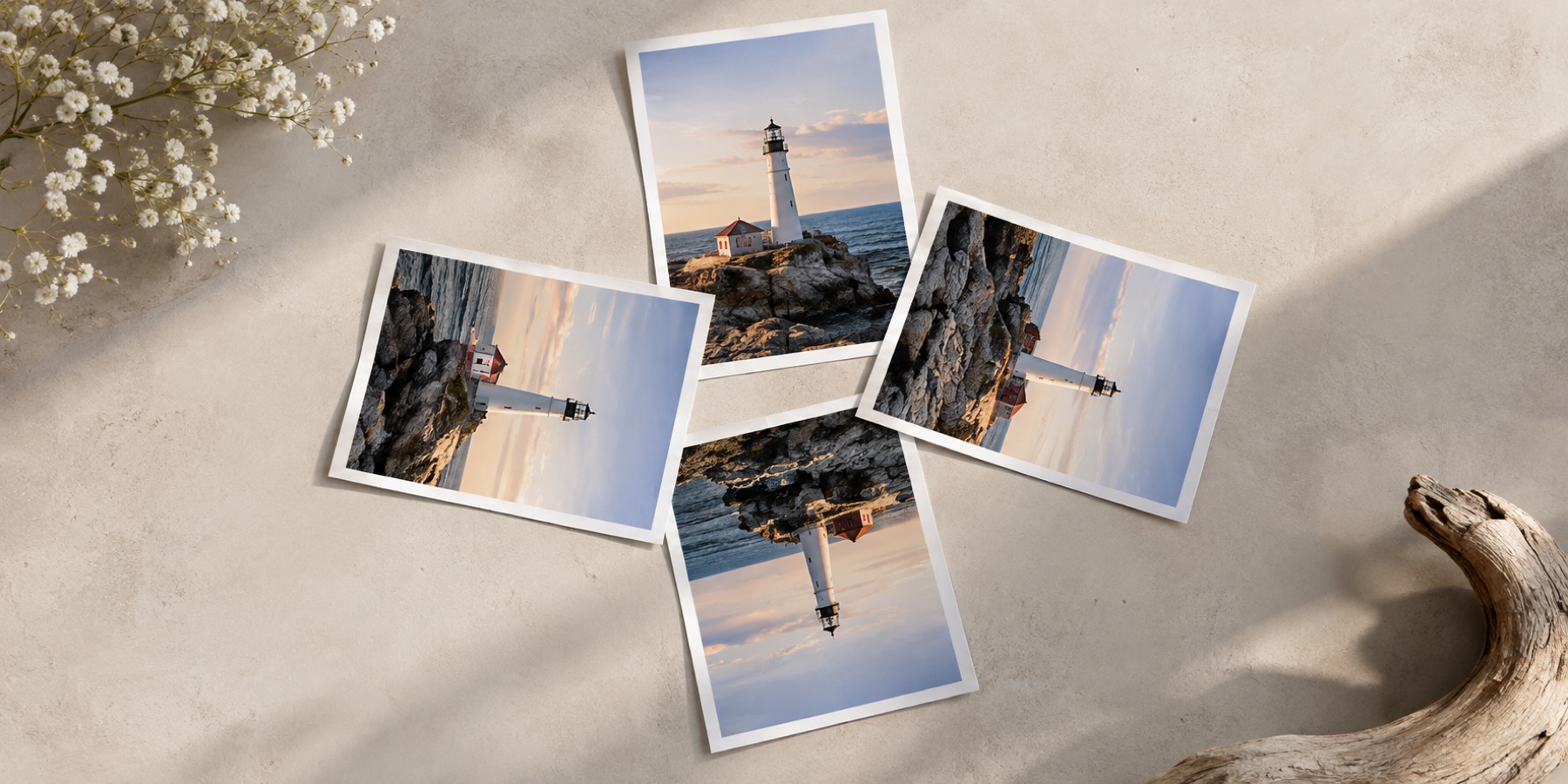
A page that arrives on its side has rows running down the picture. The page reads that before anything else, and also whether the text is upside down — Latin letters reach above the line more often than below it, and Devanagari letters hang from a headline along the top — so the first suggestion is the quarter turn. The skew is measured along the rows once they run across, and is offered second. Both are suggestions, applied only when you press.
- Measured on this device, in the image worker, on a copy no larger than 1000 pixels.
- Pages with too few lines of text get no direction suggestion, rather than a guess.
- The saved file is named with -deskewed so it is easy to tell from the original.
If the file is going to an online form, upright for upload also checks it against the portal’s size limits. The method for a whole folder of scans is in rotating a folder of scans.
Questions about this page
Why fill the corners white instead of cropping?
Because the edge of a document often carries something that matters — a seal, a page number, the tail of a signature, a reference number in the margin. Cropping a skewed scan back to a rectangle cuts into all four edges. Filling the corners white keeps every edge, and on a white page the wedges are invisible.
How is the skew measured?
Rows of text are dark bands with light gaps between them. The page counts the ink along lines tilted at every angle from −15° to +15°: at the true skew the bands line up with the counting lines and the counts become sharp peaks and empty gaps. The sharpest angle is the skew. It is measured on a copy no larger than 1000 pixels, on this device.
My scan is sideways and crooked — which do I fix first?
The turn. The skew is measured along the rows of text, and the rows only run across the page once it is the right way up. The page reads the text direction first and offers the quarter turn as step 1 and the deskew as step 2.
Does it work on handwriting or forms?
On neat handwriting and printed forms, usually; on a page of photographs, a drawing or scattered notes there may be no rows to measure, and the page says so instead of inventing an angle. The level line and Find the horizon still work, and a page edge against a darker table is a good line to level to.

Straighten Scan