Rotate an animated GIFRotate a GIF, keep it moving
Every frame turned, with the same timing and loop.
or drop it here — pasting works too
An animated GIF, or an animated WebP where this browser can read one. Every frame is turned here, in this tab.
No photo handy?
FreeNo sign-upPhotos stay on your device
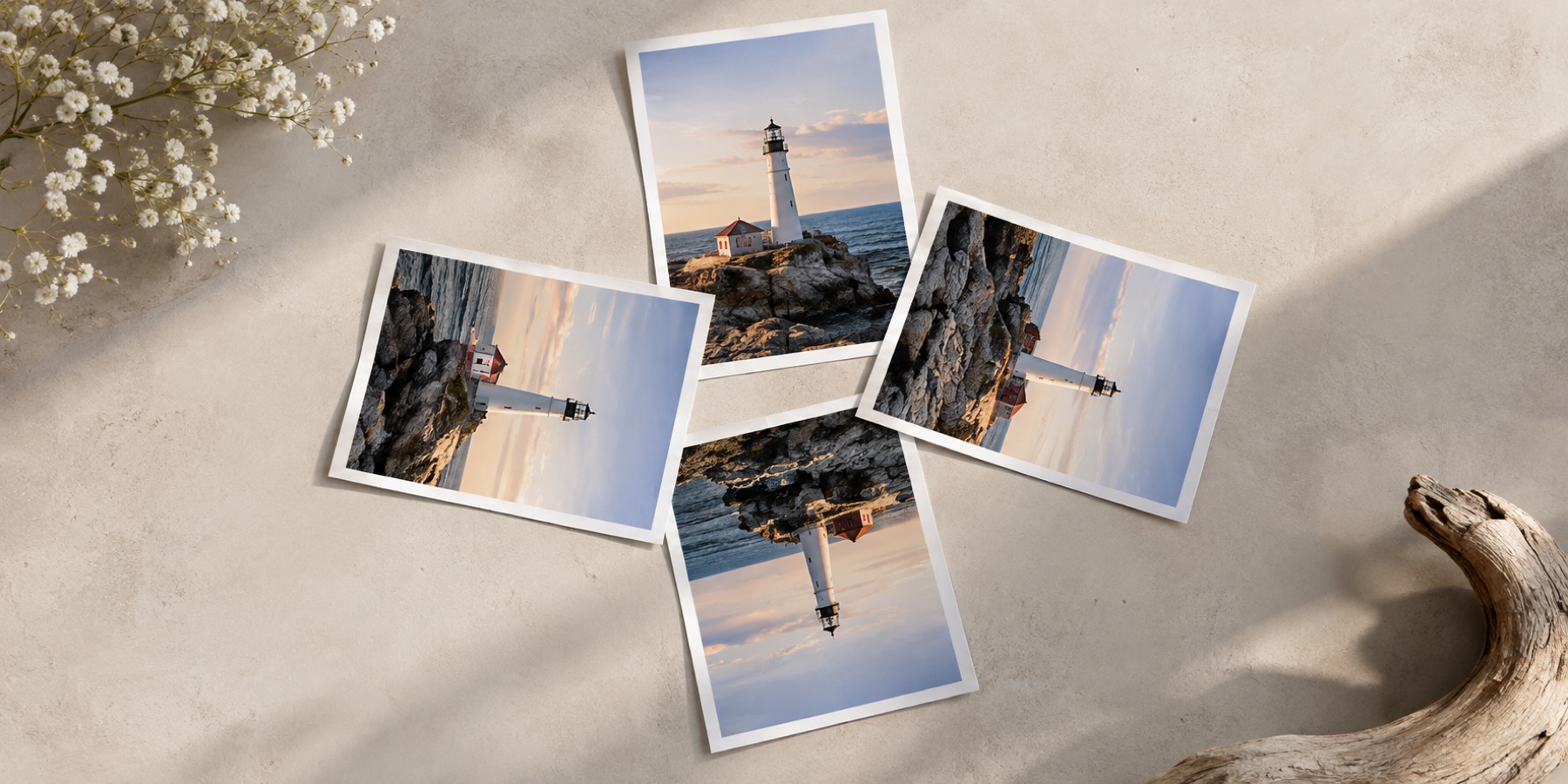
Every frame turned by the same recipe, with the frame count, each frame's delay and the loop kept — and read back to prove it.
Up to 300 frames, or 200 megapixels across all frames (60 on a phone), whichever comes first — stated here before anything is decoded.
Why most rotators break animations
A browser can turn a GIF on a canvas, but a canvas holds one frame. Tools built that way hand back a still picture of the first frame, often as a PNG, and the animation is gone. This page reads the GIF itself: each frame is decoded, laid onto the full picture the way a viewer would show it at that moment, turned, and written into a new GIF with its own palette and its original delay. Only one frame is held in memory at a time, so a long animation does not need a long memory.
What is kept
- The frame count, every frame's delay and the loop count — compared with the original after writing.
- Every frame's exact colours on a quarter turn, because pixels are moved and never blended.
- Transparency, as GIF stores it: each pixel either clear or solid.
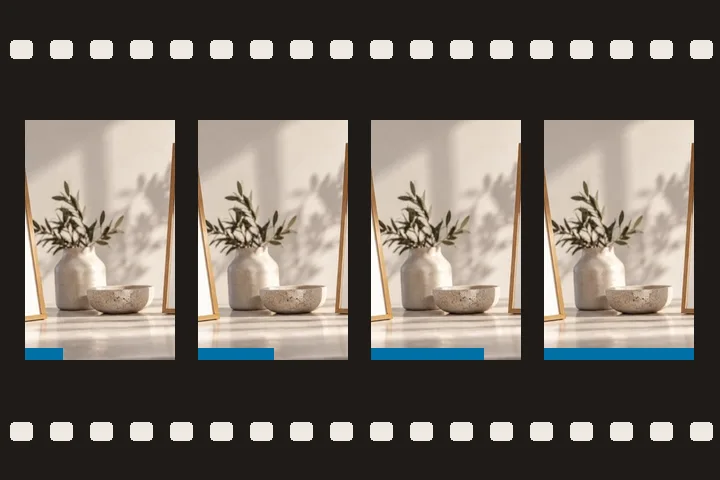
The preview plays your original animation turned in place, so you can see the result move before saving; after saving, the written file plays beside it. A still picture is better turned on the main rotation page; a static logo on rotate a PNG or logo.
Questions about this page
Does it keep the animation speed?
Yes. Every frame's delay is copied exactly as the original stores it, in hundredths of a second, and the loop count is copied too. After writing, the new GIF is read back and its frame count, total duration and loop count are compared with the original's; the result is shown under the save button.
Can I rotate an animated WebP?
Yes, in browsers that can read the frames of one (Chrome, Edge and recent Firefox). No browser can write an animated WebP from a web page, so the result is saved as a GIF, and the page says so before you save. GIF holds 256 colours per frame, so a WebP with more is reduced.
Why do free angles look a little jagged?
GIF stores each pixel as one of a frame's 256 colours and transparency as on or off. To avoid inventing colours a frame does not have, frames are turned without smoothing, and the corners opened by the angle are fully transparent. Quarter turns have no such trade-off: whole pixels move.
How large a GIF can it turn?
Up to 300 frames, or 200 megapixels added up across all frames (60 on a phone), whichever comes first. The limits are checked from the file's own header before any frame is decoded.