Rotate a PNG or logoTurn a logo, keep it see-through
Rotate a PNG or logo and keep its transparent background crisp.
or drop it here — pasting works too
Drop one picture to work on it, or a folder of them to turn the lot by their own tags.
No photo handy?
FreeNo sign-upPhotos stay on your device
Transparency kept, the canvas expanded so no corner is cut, and hard edges on offer for icons and pixel art.
Quarter turns move whole pixels; after saving, the PNG is decoded and compared with the original.
Logos need different defaults from photographs
A photograph turned by a few degrees is usually cropped back to a rectangle and saved as a JPG. A logo is the opposite case: it sits on a transparent background, every edge of it matters, and it will be placed onto something else afterwards. So this page opens with the frame expanded (nothing cut off) and the corners transparent, and the output stays PNG.
Smooth or hard edges
At a free angle every output pixel is sampled from between source pixels. Smooth blends the neighbours, which keeps a photograph natural and a logo’s curves clean. Hard edges copies the nearest pixel instead, which keeps a 16 × 16 icon or pixel art exactly its own colours. For a small picture the page suggests hard edges when it opens. At 90°, 180° and 270° there is no choice to make: whole pixels move, and nothing is blended either way.
Checked, not assumed
After a quarter-turn PNG is written, the saved file is decoded again and compared with the original picture moved by the same turn. The note under the readout says how many pixels matched. Part-transparent edge pixels can differ by a level or two, because the browser stores them premultiplied while it draws; the note says that too when it happens. More on what lossless can honestly mean is in rotation quality, explained.
Questions about this page
Will the transparent background stay?
Yes. A PNG keeps its alpha channel through the turn, and the new corner wedges an angle opens are transparent too. Only if you choose JPG as the output does transparency need a colour behind it, and the page says so first.
Why do the edges look soft at 15°?
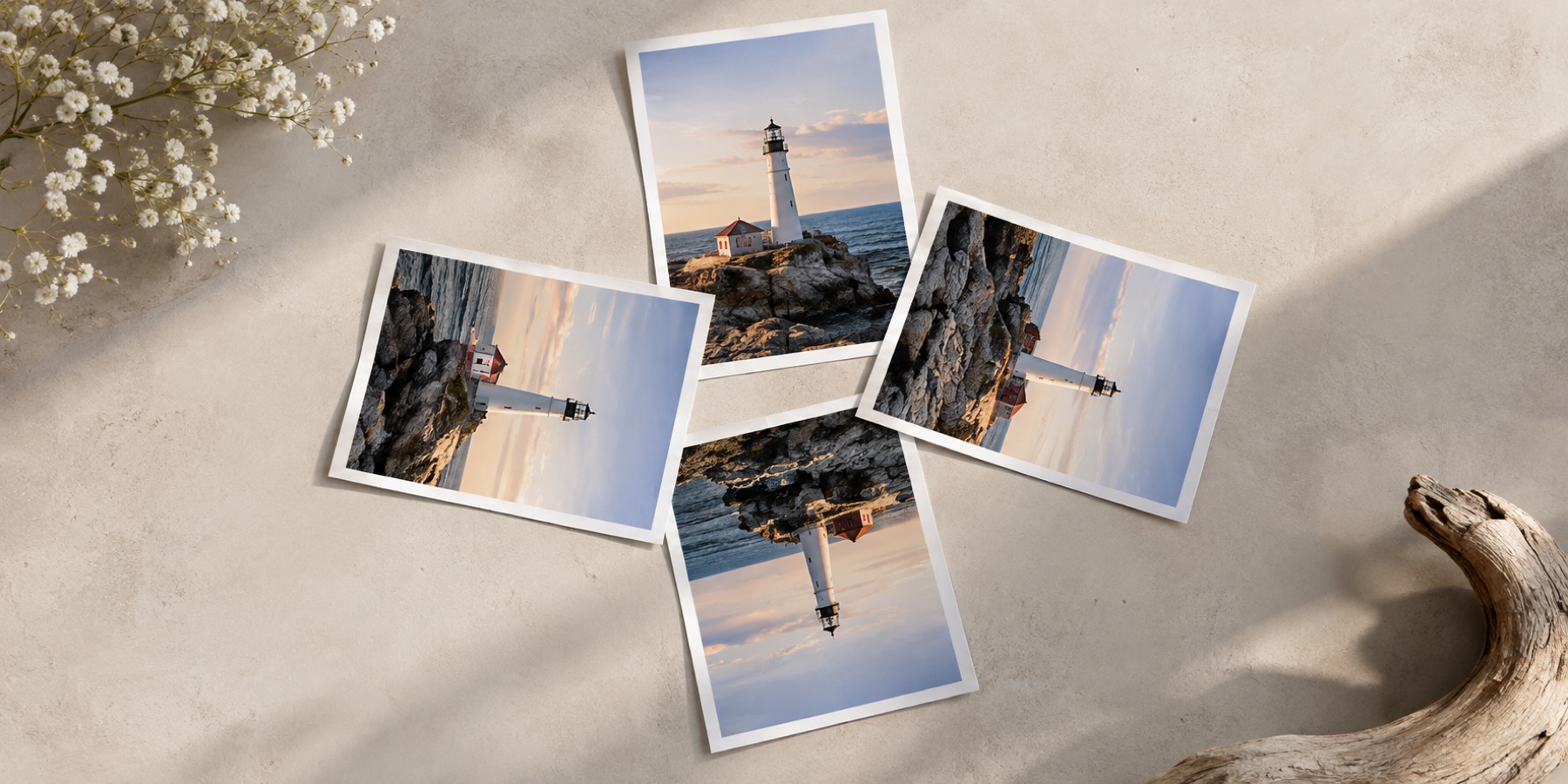
At any angle that is not a multiple of 90°, each output pixel falls between source pixels and has to be blended from its neighbours. That is right for a photograph and wrong for pixel art or a hard-edged icon. Choose Hard edges under Canvas and every pixel is copied from its nearest source pixel instead — crisp, though diagonal edges become stepped.
Is a PNG quarter turn lossless?
It should be: a quarter turn moves whole pixels, and PNG is a lossless format. This page checks rather than assumes — after saving, the PNG is decoded and every pixel compared with the original moved by the turn, and the result is stated.
Does it keep 16-bit colour?
No. Browsers draw at 8 bits per channel, so a 16-bit PNG is turned at 8 bits. For a logo or an icon that makes no visible difference.
Rotate Png