Rotate and flip an imageSee every way it can face
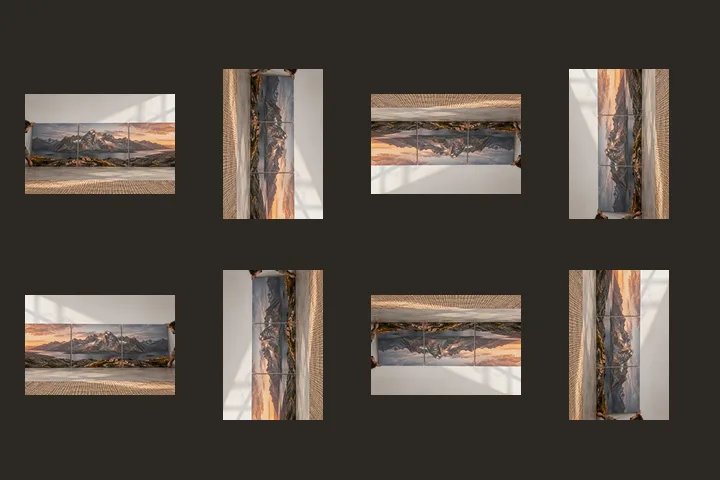
All eight turns and mirrors of your photo at once. Tap the one that looks right.
or drop it here — pasting works too
Drop one picture to work on it, or a folder of them to turn the lot by their own tags.
No photo handy?
FreeNo sign-upPhotos stay on your device
Every way round a picture can be — four turns, and four turns of its mirror image — drawn from your own picture.
Pick one of the eight. H mirrors left to right and V top to bottom from wherever you are.
A turn and a mirror are different operations
Turning moves every pixel around the centre and can always be undone by turning back. A mirror reverses the picture’s handedness: a left hand becomes a right hand and a word reads backwards, and no turn can undo it. The picker shows both families at once — the top row is your picture turned four ways, the bottom row its mirror image turned four ways — so the choice is made by looking, not by working out which button does what.
Most pictures that look wrong need a turn. A mirror is right when the picture really arrived reflected: a front-camera selfie, a scan taken through glass, a document photographed in a mirror, a file another program flipped by mistake.
The eight orientations and the EXIF field
The EXIF orientation field in a camera JPEG has eight values, and four of them include a mirror. They are the same eight as this picker: the field tells a viewer which of these to apply before showing the stored pixels. If the file you open carries a mirrored value, the diagnosis says so before you touch a control. The values are listed one by one, with a diagram each, in the eight orientation values.
Questions about this page
Why are there exactly eight?
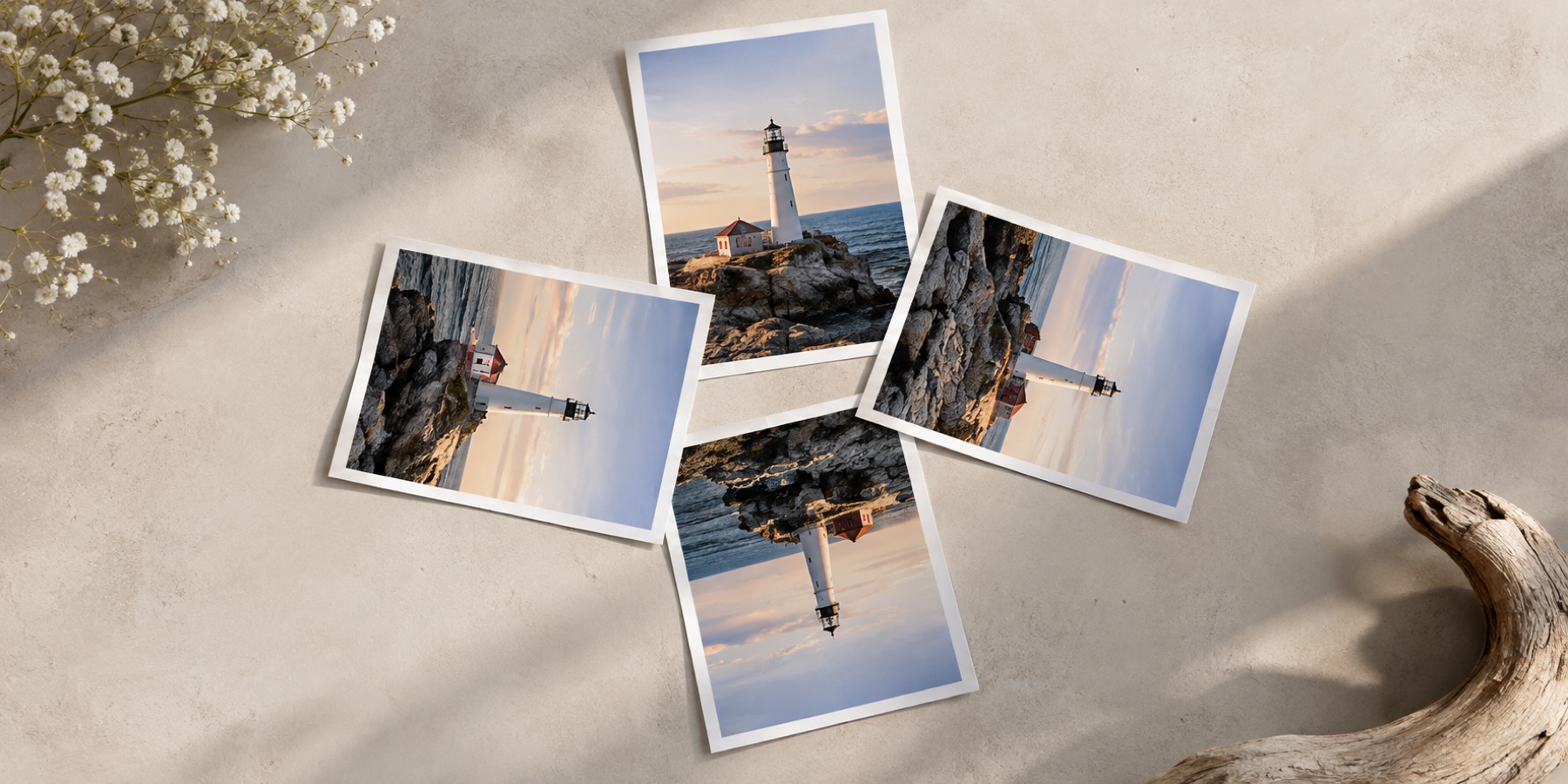
A rectangle can be put back into its own frame in eight ways: four turns (0°, 90°, 180°, 270°), and the same four turns of its mirror image. Every combination of turning and flipping lands on one of them. The EXIF orientation field has eight values for the same reason.
Is mirroring the same as rotating 180°?
No. A 180° turn keeps the picture's handedness — writing stays readable, just upside down. A mirror reverses it, so writing reads backwards. Mirroring twice, or mirroring both ways, gives a turn again.
Can I fix a mirrored selfie?
Yes. Front cameras often save the picture as you saw it on screen, which is a mirror image. Choose Mirrored in the picker (or press H) and the picture is the right way round again — check any writing in it.
Does mirroring a JPEG lose quality?
Not when its width (for a left-to-right mirror) or height (for top to bottom) is a whole number of compressed blocks: the blocks are mirrored without decoding, and the written file is read back and compared with the original. Otherwise it is decoded and written once.
Rotate And Flip